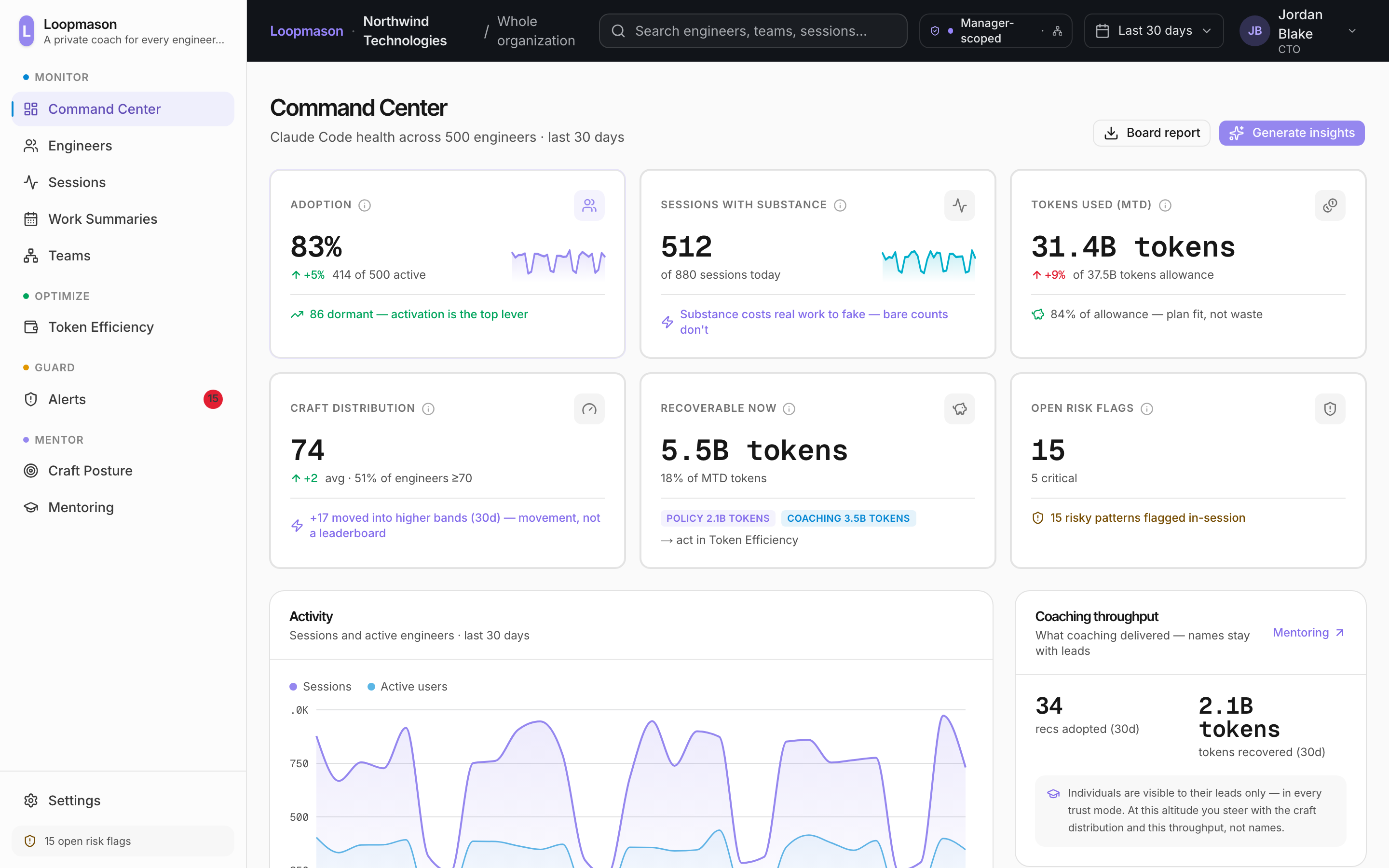
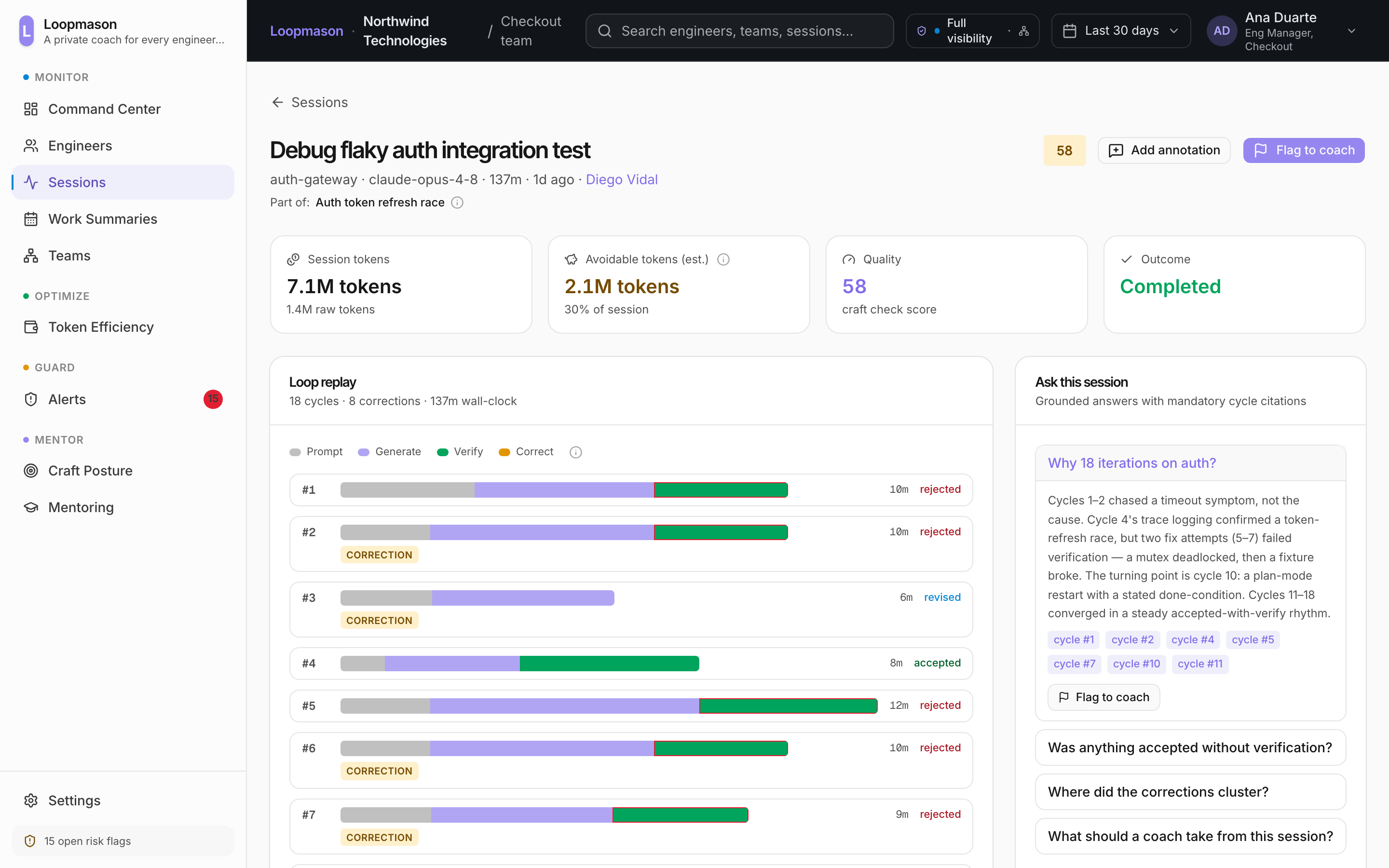
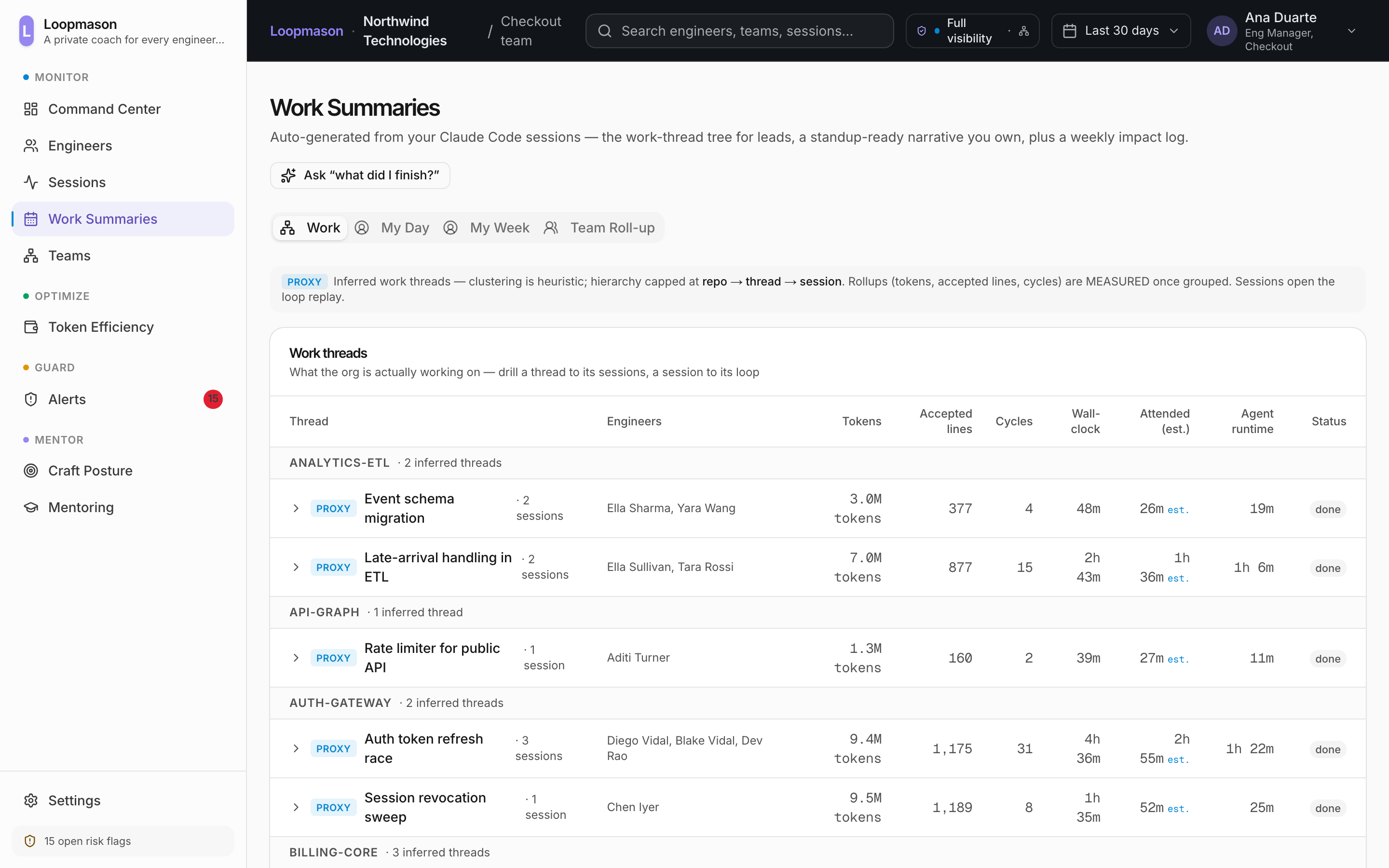
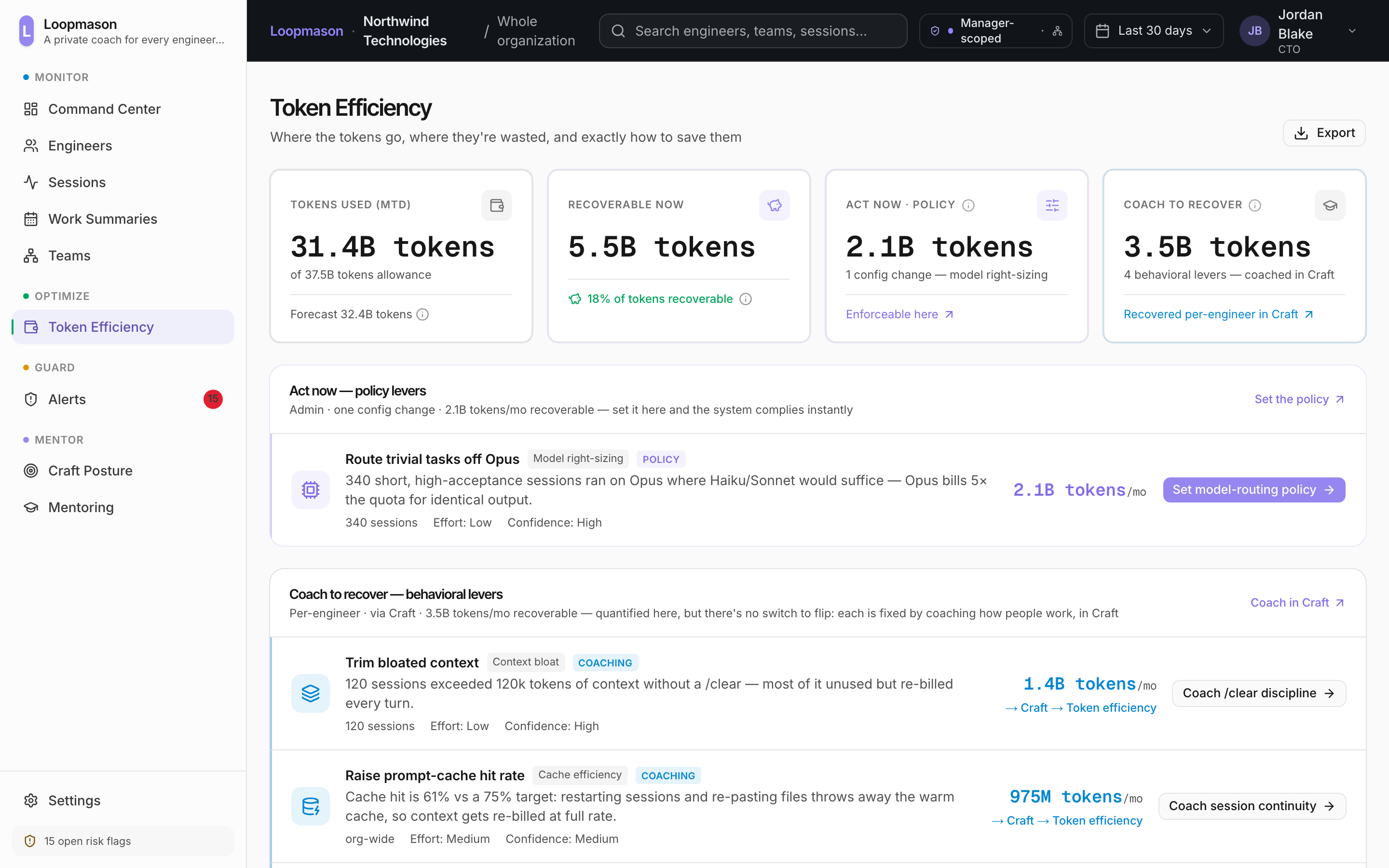
See what your agents build.Keep what they learn.

Loopmason shows what your AI coding agents are working on and shares decisions, findings, and next steps across sessions and threads, so the next session doesn’t start from scratch.

Works with every coding agent your org runs

Reads Claude Code, Cursor, Codex, Copilot, Amp, Gemini CLI and more.

Illustrative example: not customer data. Real entries land after the pilot.

The loop

The shared brain for every coding agent, and every developer, inside one organization.

  1. 01MachinesThree developers, three machines, three different coding agents.
  2. 02ThreadsEach one is carrying a different piece of work, and each thread lives only on the machine that made it.
  3. 03SyncA read only collector reads what each agent already writes to disk and syncs it to Loopmason.
  4. 04ShareLoopmason keeps one shared context for the team instead of one stranded copy per machine.
  5. 05In syncSo every machine has every thread, whoever opened it and whichever agent they run.
05 · In sync

So every machine has every thread, whoever opened it and whichever agent they run.

Illustrative example: not customer data.

each machine · its own thread
every machine · every thread
priyaClaudepriya.localCheckout flow
sofiaCursorsofia.localBilling migration
kenjiCodexkenji.localSearch relevance
Loopmasonone shared context
read only · nothing executed
priyapriya.localCheckout flowownBilling migrationsofiaSearch relevancekenji
sofiasofia.localCheckout flowpriyaBilling migrationownSearch relevancekenji
kenjikenji.localCheckout flowpriyaBilling migrationsofiaSearch relevanceown
Use case

See the work.
Not just the output.

See what’s in progress and what’s been tried, and carry what your agents learn across sessions and threads.

In progress

Know what's moving.

See the task and the latest recorded activity across developers and agents, not just a list of open sessions.

Latest session activityIn progress

Fix duplicate payments

CTO
priyapayments-api
Concurrency test failed · 2 min ago

Fix flaky deploy pipeline

DevOps
kenjiinfra-pipelines
Rollback triggered after 3rd failed deploy · 8 min ago

Debug feature store staleness

ML
sofiafeaturestore
Backfill traced to a stale partition · 22 min ago
Attempts & findings

See what's already been tried.

Follow attempted fixes, recorded results, and open questions, not just the final diff.

Already tried, across the teamThis week

Disabled the pay button after the first click (FE)

CTO

Didn’t work: a slow connection let people click it again.

Checked for a duplicate charge before saving (BE)

CTO

Didn’t work: two requests still landed at the exact same instant.

Gave the deploy more time to start up

DevOps

Didn’t work: it still failed under heavy traffic.

?

Ran the data refresh again

ML

Still unverified: the numbers came back just as out of date.

priya · kenji · sofia
Context across sessions

Start with what's already known.

Carry decisions, failed approaches, and next steps across sessions and threads, even when the developer or agent changes.

Fix duplicate paymentsContext from 2 sessions

Decision

Proceed with a shared idempotency key. The fix still needs verification.

Already tried

An in-memory lock failed across multiple workers.

Next step

Run the concurrent-retry test against the fix.

Sources preserved with the context

priya · Claude Code · Session 123
kenji · Codex · Session 456
Time by thread

See where session time goes.

Explore recorded session time by task, with the underlying sessions available for context.

Recorded session timeExample week
Duplicate payments4h 20m
Flaky deploy pipeline2h 40m
Feature store staleness1h 50m
Checkout timeout40m
Total across these threads9h 30m
Summed elapsed session time, not human effort. Concurrent sessions may overlap.

Illustrative examples: not customer data.

Shared context

Every session starts cold. Construct the loop instead.

Every agent meets your codebase as a stranger. It rereads the repo, rederives the decision and retries the approach that was already thrown out, because the reasoning from last Tuesday ended with the session that produced it. Multiply that by every developer, every tool and every machine, and an organization relearns the same thing dozens of times a week. Loopmason listens, groups and serves it back.

  1. 01
    Listen

    Every agent, not just the one you standardised on.

    A read only collector reads the session logs each coding agent already writes to disk and normalises them into one vendor neutral schema. No source code is read and nothing is executed.

    Claude CodeCursorCodexCopilotAmpGemini CLI
    four agents, four developersread only
    priya
    sofia
    kenji
    sana

    One schema

    vendor-neutral stream
    4 agents → 1 format
  2. 02
    Group

    Three people build the same feature, each in a different coding agent.

    Sessions are correlated by repo, code region and time window, so work on the same feature arrives as one thread instead of three private transcripts nobody can see across.

    Grouped across agents and across developers, the part no single tool can do.
    payments-api · repo + region + window1 thread
    priya
    sofia
    kenji

    checkout redesign

    one shared thread
    3 devs · 4 agents
  3. 03
    Serve

    The next developer starts where the last one stopped.

    The thread becomes context the next agent can read, whoever opens it, whichever tool they use. Scoped to the code they are touching, not pasted into every session.

    Available in the next invocation, not next week’s digest.
    sofiapayments-api · new session
    fix staging timeouts on checkout
    loopmason contextservices/checkout/server.ts

    The load balancer was closing connections faster than the app expected.

    priya · Tue 02:14 · never committed

    Ruled out already: DB connection pool size, downstream retries.

    kenji · Wed 11:02

Illustrative example: not customer data.

Visibility meets shared context

What one session discovers, the next can use.

Understand what your agents are building, and give the next session the decisions, findings, and next steps it needs to keep going.

Session AFindings & decisions
Session BContext to continue
The collector

Install it once. It covers every agent on the machine.

One read only collector, installed once per machine or image, picks up every coding agent already running there, no separate setup per agent, no per developer install. It reads the session logs each agent already writes: prompts, responses, tool calls, paths, timings. It does not read your source tree and it does not execute anything.

Claude CodeCursorCodexCopilotAmp+16 more agents

Tell us in the form if you run something else, and we will say honestly whether an adapter exists.

FAQs

The ones that decide it.

What does the collector actually read?
The session logs your coding agents already write to disk: prompts, responses, tool calls, file paths, timings. It is read only. It does not read your source tree, it does not execute anything, and it has no write path into your repositories.
Do developers have to install something?
No per developer setup is required. The collector installs once on a machine or an image and picks up every agent already running there, which is why coverage can be a platform decision rather than a per team negotiation. A developer can also install it alone to try it on their own sessions.
Which agents are supported?
Claude Code, Cursor, Codex, Copilot, Amp and Gemini CLI. Each one is normalised into a single vendor neutral schema, so a thread can hold sessions from four different tools. If your team runs something not on that list, tell us in the form and we will say honestly whether an adapter exists.
Does session data leave our infrastructure?
Only if you choose the hosted option. Self hosted runs entirely inside your perimeter with your keys and your retention policy, and nothing crosses the boundary. Both deployments run the same product and the same governance model.
Can leadership read an individual engineer's sessions?
That depends on the governance tier your organization deploys, and it is a structural choice made once, not a toggle a manager can flip later. In the privacy tier leadership sees aggregates and the engineer alone sees their own replays. In either tier the engineer sees more of their own data than anyone above them, and every access is logged.
How is this different from the admin dashboard our agent vendor already gives us?
A vendor dashboard can only see its own tool. It cannot group one problem across four tools, it cannot tell you two developers duplicated work in two different products, and it cannot hand a finding to a competitor’s agent tomorrow. Those three things are the whole reason this is a separate layer.
Why not just sync the transcripts and search them?
Because an archive is not a memory. The traces already sit on disk and they already hold the reasoning; the hard part is making them usable while an agent is working. That needs the session broken into findings, retrieval scoped to the code in front of the agent, ranking that puts ten useful lines ahead of ten thousand turns, and provenance exact enough that anyone can open the original session and disagree with it. Storage is the part the agents already did for free.
Does the context slow the agent down or fill up its window?
Findings are scoped to the code region a session is touching rather than pasted into every prompt, so what arrives is a handful of lines and not a transcript. Latency and payload size are measured per deployment, and we would rather show you the numbers from your own pilot than quote someone else’s.
What happens when a finding goes stale?
Every finding is anchored to a code region and carries an expiry, so it stops being served when the code it describes moves or when its window runs out. Accumulating context forever is how a rules file becomes noise nobody reads. Subtraction is the point.

See what your agents built this week.

Loopmason is in early access. We are running pilots on one repo at a time, with the collector read only and the data wherever you want it. Tell us what your team runs and we will show you your own sessions.